Product
In-app Launches
Announce a release inside your host app as a banner, toast, or modal. Configure the campaign in Releaseo, then initialize the SDK once.
Releaseo In-app Launches deliver a release announcement on the host page — not inside the widget iframe. You configure the campaign in Releaseo; your app only needs the standard SDK install and, for manual campaigns, one runtime call.
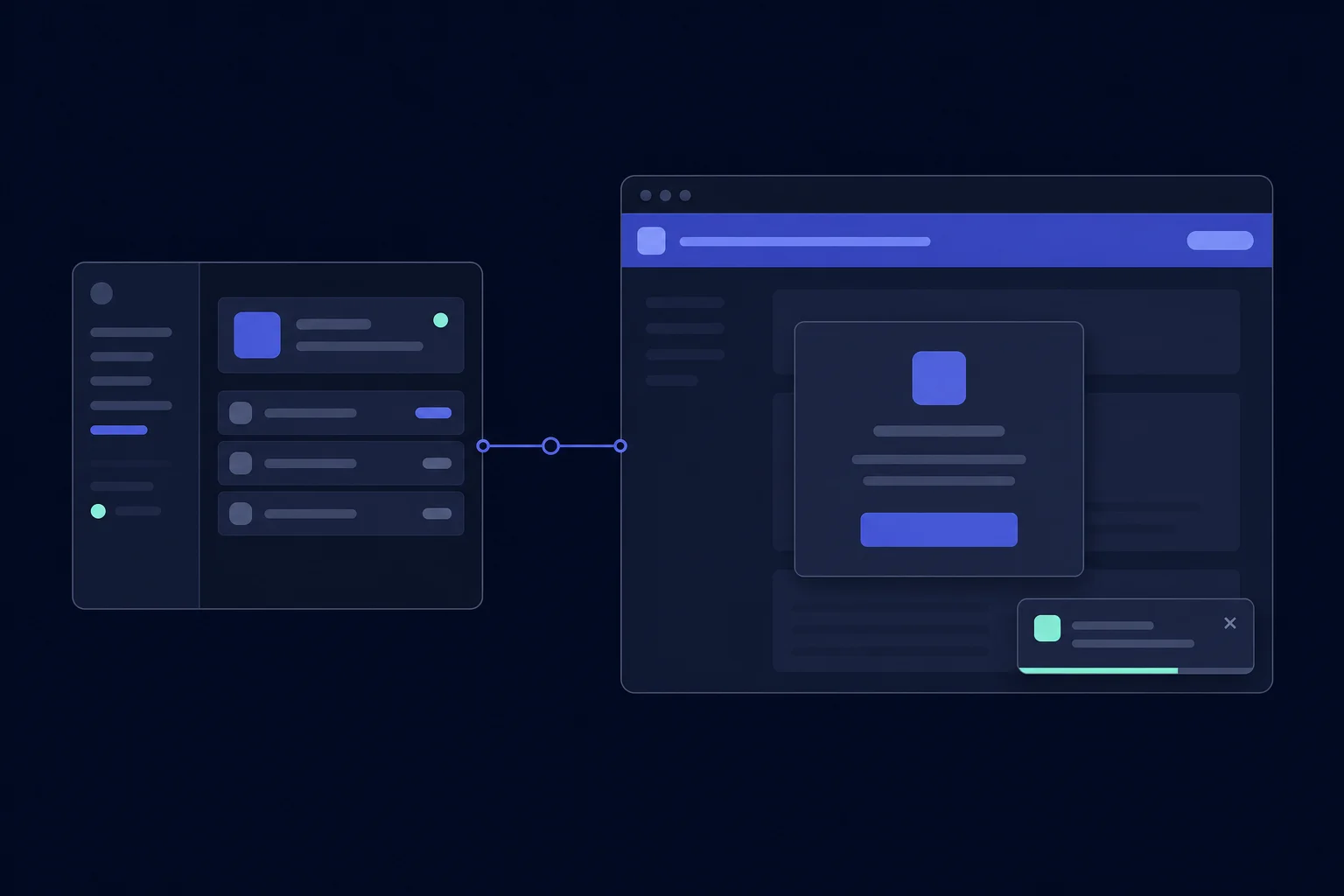
The simple flow
- In Releaseo, create a campaign from a shipped update and choose its audience, page or domain target, frequency, trigger, and surface.
- Add the normal CDN loader to your app once.
- Releaseo decides whether the campaign can display. Your app does not mount a new component or import a separate renderer.
<script src="https://cdn.releaseo.io/sdk/v0/loader.js"></script>
<script>
  window.releaseo.init({ publishKey: "pk_live_xxx" });
</script>Choose the right surface
| Surface | Best for | What the visitor sees |
|---|---|---|
| Banner | A release that should remain visible while a visitor works. | A fixed top or bottom strip, or an inline announcement at the target location. |
| Toast | A lightweight update that should not interrupt the current task. | A small message in a configured corner; it can hide automatically. |
| Modal | An important release that deserves focused attention. | A centered dialog over the host page. Use it sparingly because it interrupts the task. |
One clear announcement usually needs one surface. Banners can coexist with the other surfaces. A modal defers a toast, and a modal waits while the widget drawer is open, so the visitor is not asked to process competing layers at once.
Trigger a campaign
Automatic page and audience rules
For page, domain, audience, and frequency-based launches, no host code is needed
beyond init(). Releaseo evaluates the campaign when the SDK runs on the target
page.
Trigger after an event
Configure an event-triggered campaign in Releaseo, then send the matching custom event from your application:
await window.releaseo.track("billing_page_viewed", {
  plan: "pro",
});
The event name must match the campaign configuration. track() also remains
available for your general Releaseo analytics and integrations.
Trigger manually
For a campaign configured with manual triggering, call triggerLaunch() when
your own app reaches the right moment:
await window.releaseo.triggerLaunch("launch_abc123");The request is accepted by the runtime, not a promise that the surface appears immediately. Targeting, consent, frequency, the kill switch, and surface rules still protect the visitor experience.
What the SDK handles for you
- The banner, toast, and modal render as lazy host-page SDK chunks, so the widget iframe does not own these surfaces.
- Campaign targeting, audience matching, display frequency, dismissal, and analytics stay in the Releaseo campaign configuration.
- A campaign can be shown by page/domain rules, a matching
track()event, or a manualtriggerLaunch()request.
Verify your launch
- Confirm the campaign is enabled and its target matches the page you are viewing.
- Open the page with your normal CDN install and use
debug: trueininit()if you need installation diagnostics. - For a manual campaign, call
triggerLaunch()from the browser console or your host-app action and confirm the targeting rules allow that visitor.
See the SDK API reference for the exact
triggerLaunch() contract and every other public SDK method.
Thanks — your feedback helps us improve the docs.